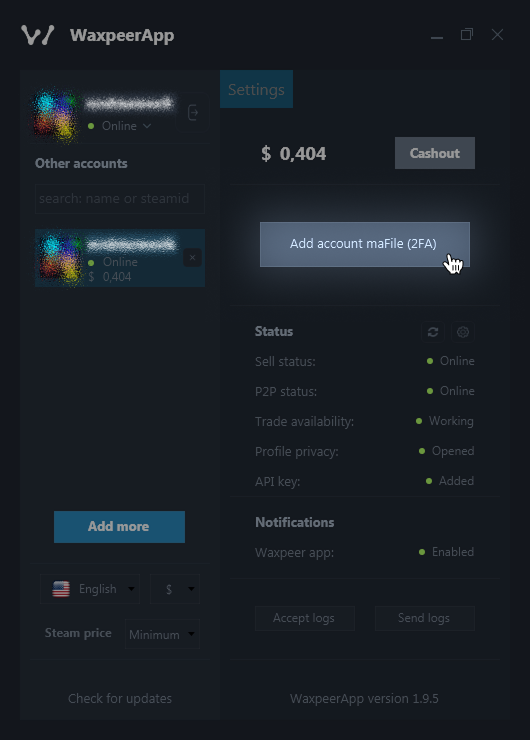
WaxPeer desktop application (WaxPeer App) can be downloaded for Windows Mac or Linux via app.waxpeer.com

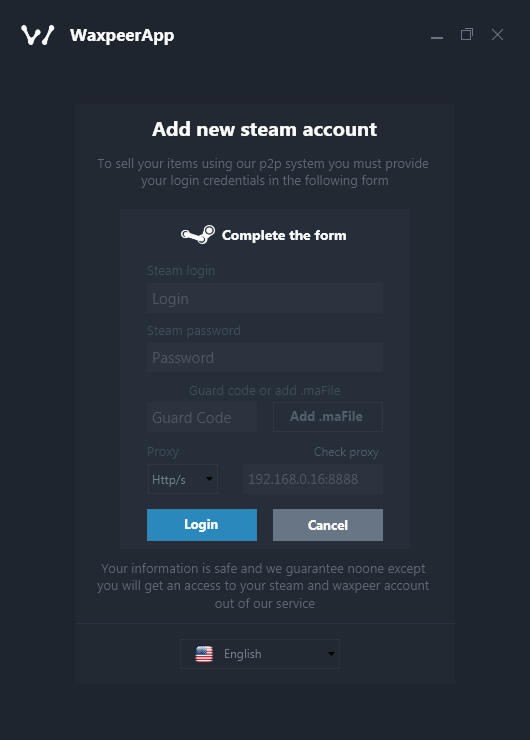
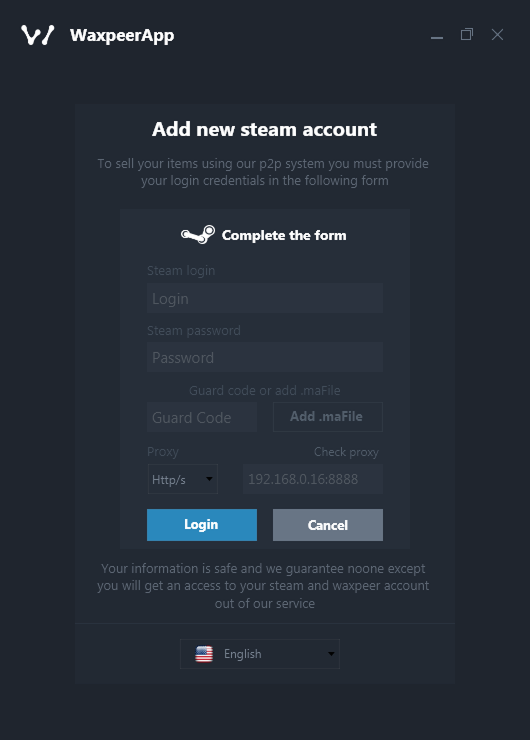
After downloading, you should log in with your Steam account, using your login username, password, and Steam Guard code.
To sell, you should insert your Steam API key and trade link on settings. Afterwards, you can choose and sell the skins you wish via WaxPeer (waxpeer.com), and the rest can be done via just WaxPeer App.
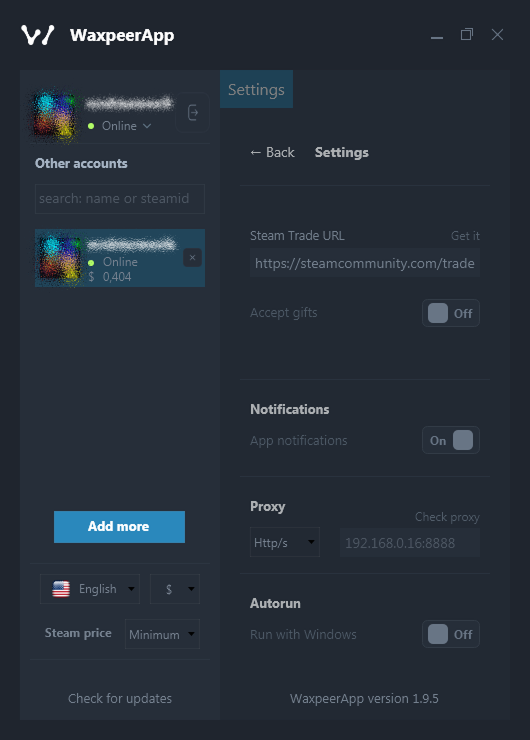
In the settings page, you can also choose whether you want to receive notifications from the application or not, whether you want the application to run automatically as soon as your computer is opened or not, and whether you want it to automatically accept incoming gifts (trades) on Steam.
WaxPeer App doesn’t only help you to sell, but also makes it even easier to sell and to manage your account(s). You can also connect your other accounts to WaxPeer App in order to manage all of them at once via the application, easily. All you need to do is to press the ‘’add more’’ button and login via your other account(s). You can later remove these accounts by pressing the ‘’X’’ next to them, and add them back whenever you want. There are no limits setting how many accounts you can add at most.
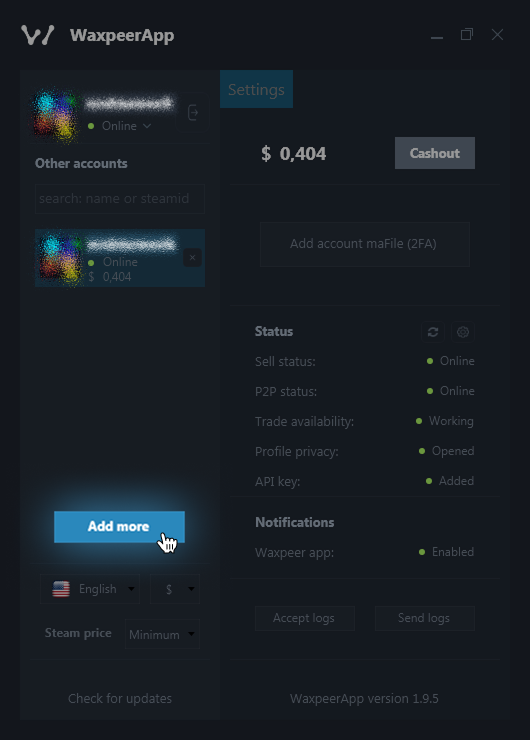
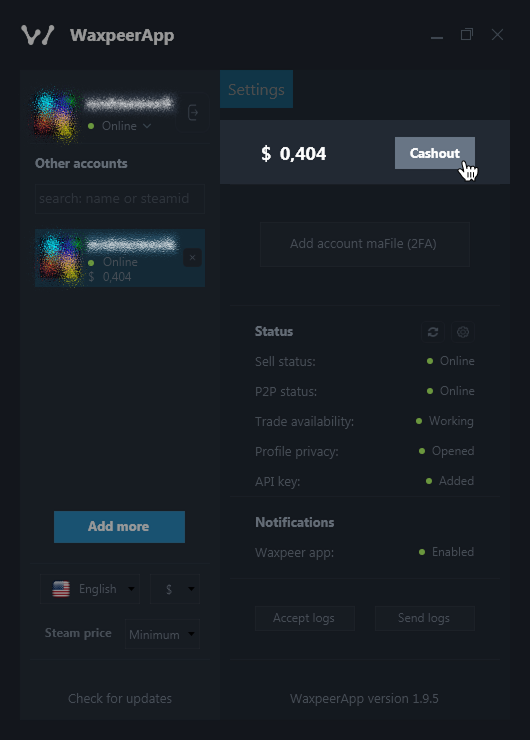
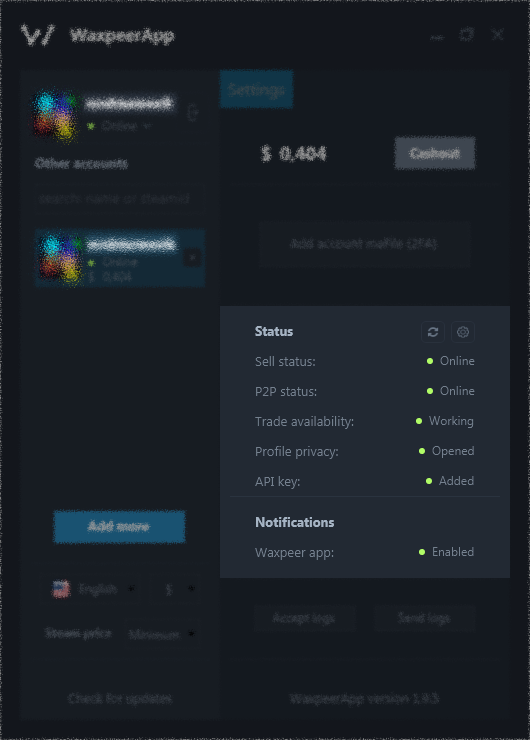
You can also use the WaxPeer App to view your balance, withdraw funds, and to see your statuses.
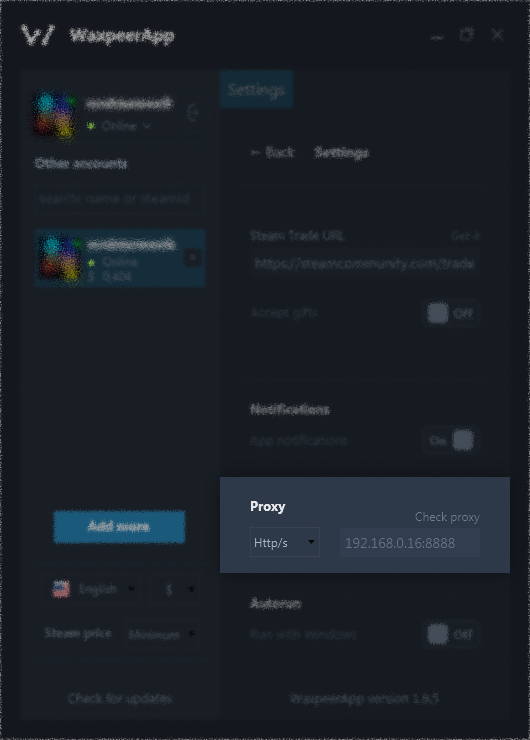
You can also use proxy and maFile via WaxPeer App:
Proxy helps to get your trades sent via a different IP address, which benefits sellers who sell from multiple accounts.
MaFile is for more advanced traders/sellers, it fully automates your trades. But you should be aware because it requires a Steam desktop authenticator and there are many fake (phishing, steals your information) authenticators online. We wouldn’t recommend using maFile if you aren’t experienced.